THE LISTENING GUIDE
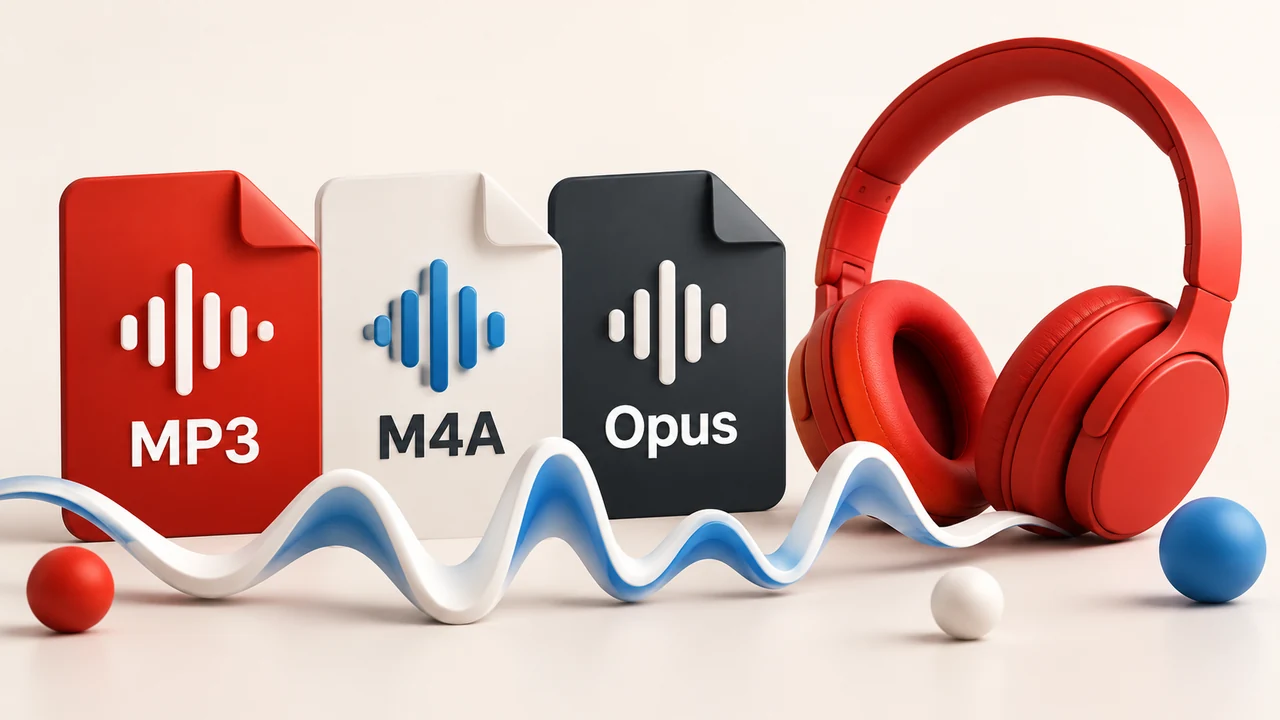
YMusic MP3, M4A or Opus: which should you choose?
Choose MP3, M4A or Opus in YMusic with source-quality limits, practical file-size examples and a playback check for your intended music player.
Read the guideMoving to a new app, choosing an audio format or finding a missing download? Start with the task you need to finish.
These guides cover YMusic V4 and Android file handling. Each article links the publisher or platform sources behind its instructions. The illustrations explain the topic; they are not app screenshots.
THE LISTENING GUIDE
Choose MP3, M4A or Opus in YMusic with source-quality limits, practical file-size examples and a playback check for your intended music player.
Read the guide
THE LISTENING GUIDE
Find missing YMusic downloads by checking the saved file, folder access and Library scan. Covers V4 fixes and checks that protect your existing songs.
Read the guide
THE LISTENING GUIDE
Move from YMusic V3 to V4 without deleting your only copy of songs. Check app identity, folder access, playlist limits and backups first.
Read the guideThe Android installation guide covers the APK and Android permission prompts. If something has stopped working, use the troubleshooting checklist to separate playback, connection and file problems before changing app data.
Check the current file record when comparing a download with your installed version. V3 and V4 use different Android package identities; an old version number, file hash or screenshot should not be applied to the other generation.